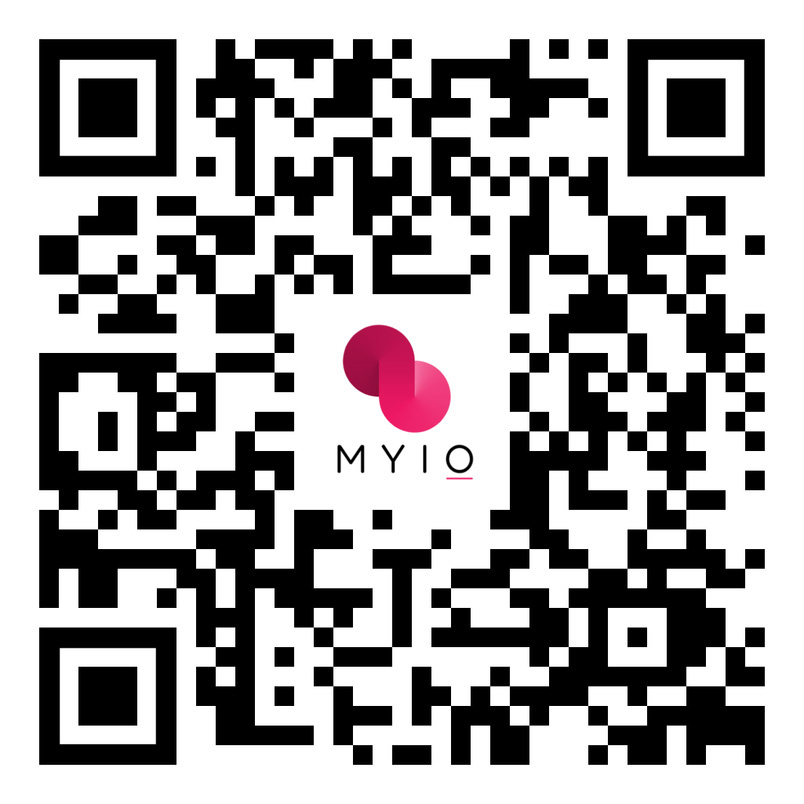
Use the QR Code below to download the MYIO mobile app for your convenience.
Troubleshooting
MYIO will run on the following desktop browsers: Google Chrome, Microsoft Edge, Mozilla Firefox. Clearing cookies and cache may help clear up any issues.
If using a Mobile device please download the app rather than using a browser. Your device must be able to update to the latest iOS or Android operating system. Make sure your application is running the most recent version. Check the app store and see if there is an update available. If issues persist, delete the app and re-install it on your device.
Resetting Password: There is a “Forgot password” link on both the browser and mobile app login page. When tapped, you will be prompted to enter your username and the portal email address associated with your account. The email you receive will provide a link to reset your password. If this fails, your practice is able to manually reset your password.
Contacting Practice:Contact the practice whenever any of the above troubleshooting steps fail.
Subscribe to
our Newsletter!
Sign up for updates from our offices about services and treatments.